Good takes with a few flat notes don't need re-recording. AI pitch correction detects every note you sang and snaps it to pitch while keeping vibrato and tone intact — closer to studio-grade pitch correction than the robotic 'hard-tune' effect.
Step-by-Step Guide
Get a solo vocal
Autotune works best on an isolated vocal. If you only have the full song, run it through the Audio Separation Studio first and download the vocal stem.
Open AI Autotune
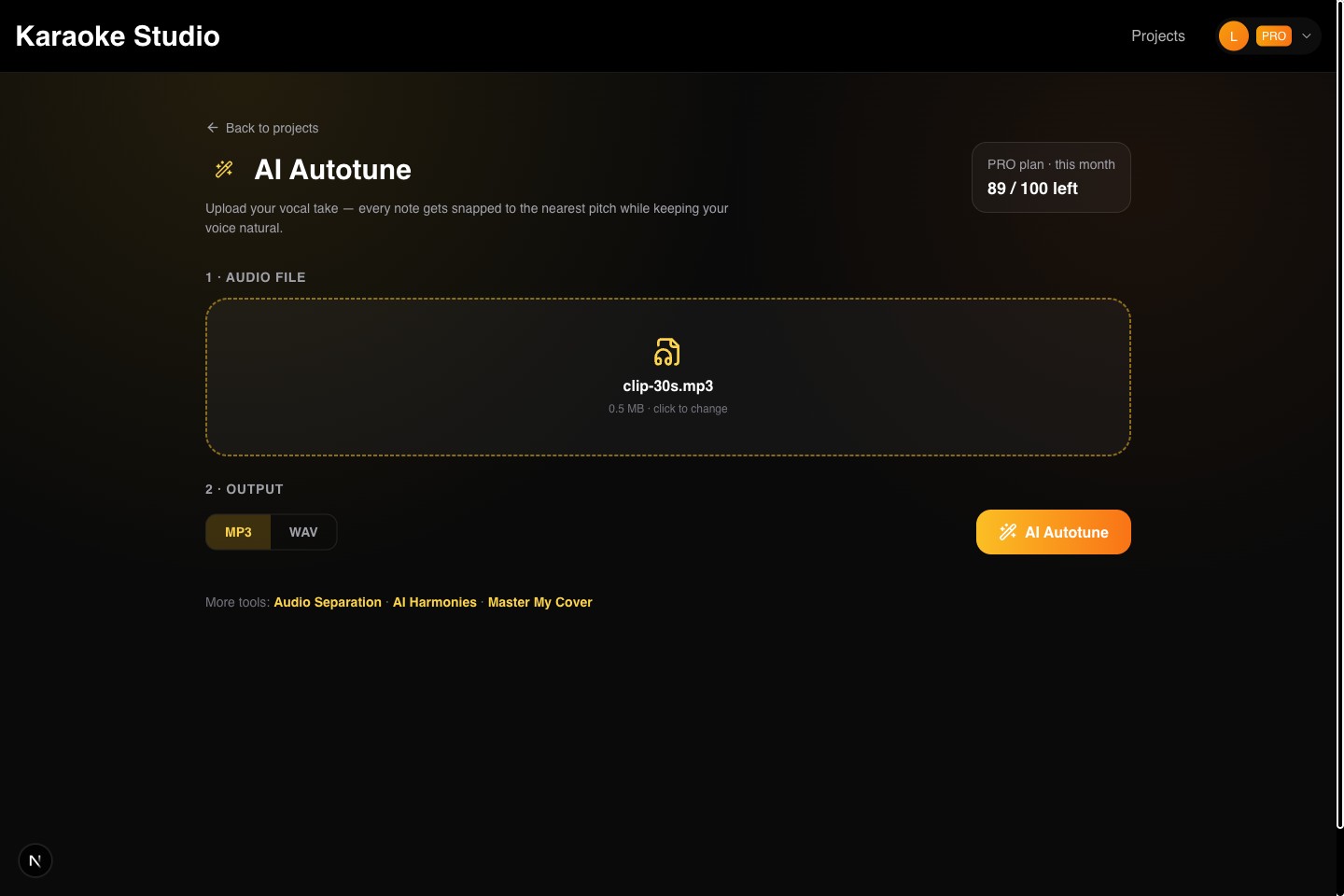
Go to karaokestudio.pro/tools/autotune and sign in. It's a one-file tool: upload, process, download.
Upload the vocal
Drop in the vocal as MP3, WAV, FLAC, or M4A. The AI tracks the pitch of every note using professional pYIN pitch detection.
Process
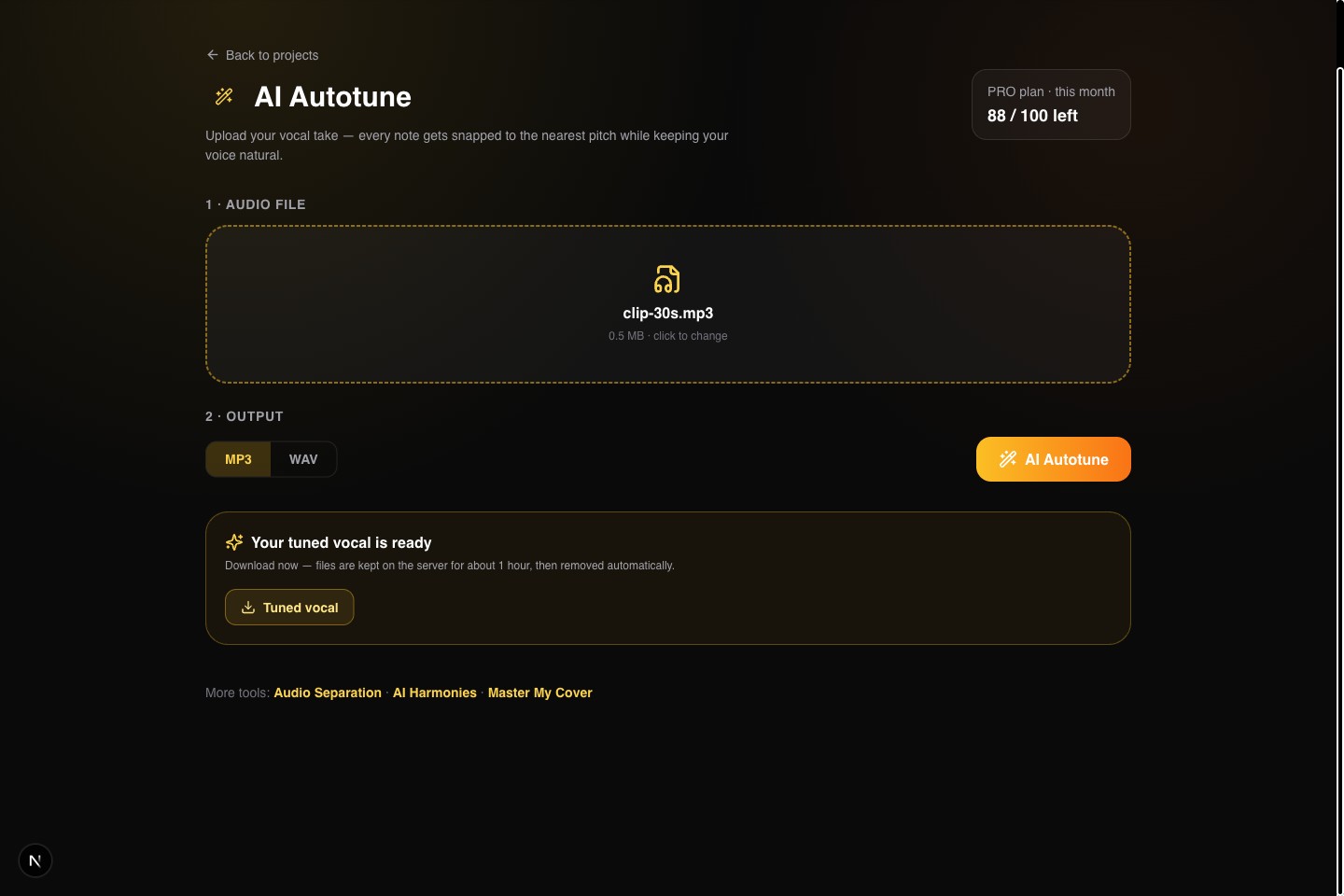
Click AI Autotune. Each note is snapped to the nearest semitone and resynthesized with PSOLA, which preserves the natural texture of the voice. A 3-minute vocal takes roughly 2-3 minutes.
Download the tuned take
Grab the corrected vocal and drop it back into your mix, karaoke project, or video.
💡Pro Tips
- •Correction is chromatic (nearest semitone) — it fixes flat and sharp notes without forcing a key.
- •Background noise confuses pitch tracking; run Denoise first if the recording is rough.
- •Timing is untouched — only pitch changes. Your phrasing stays exactly as performed.